Corporate Headshot Mastery
The Social Media Automation Playbook for Headshot Photographers
The Social Media Automation Playbook for Headshot Photographers
Couldn't load pickup availability
You know you should be posting your client work consistently. The sessions are good. The images are edited. They are sitting in a folder. But writing a caption takes time. Choosing the lead image takes thought. Doing it for every client, every week, on top of running an actual business - it just does not happen.
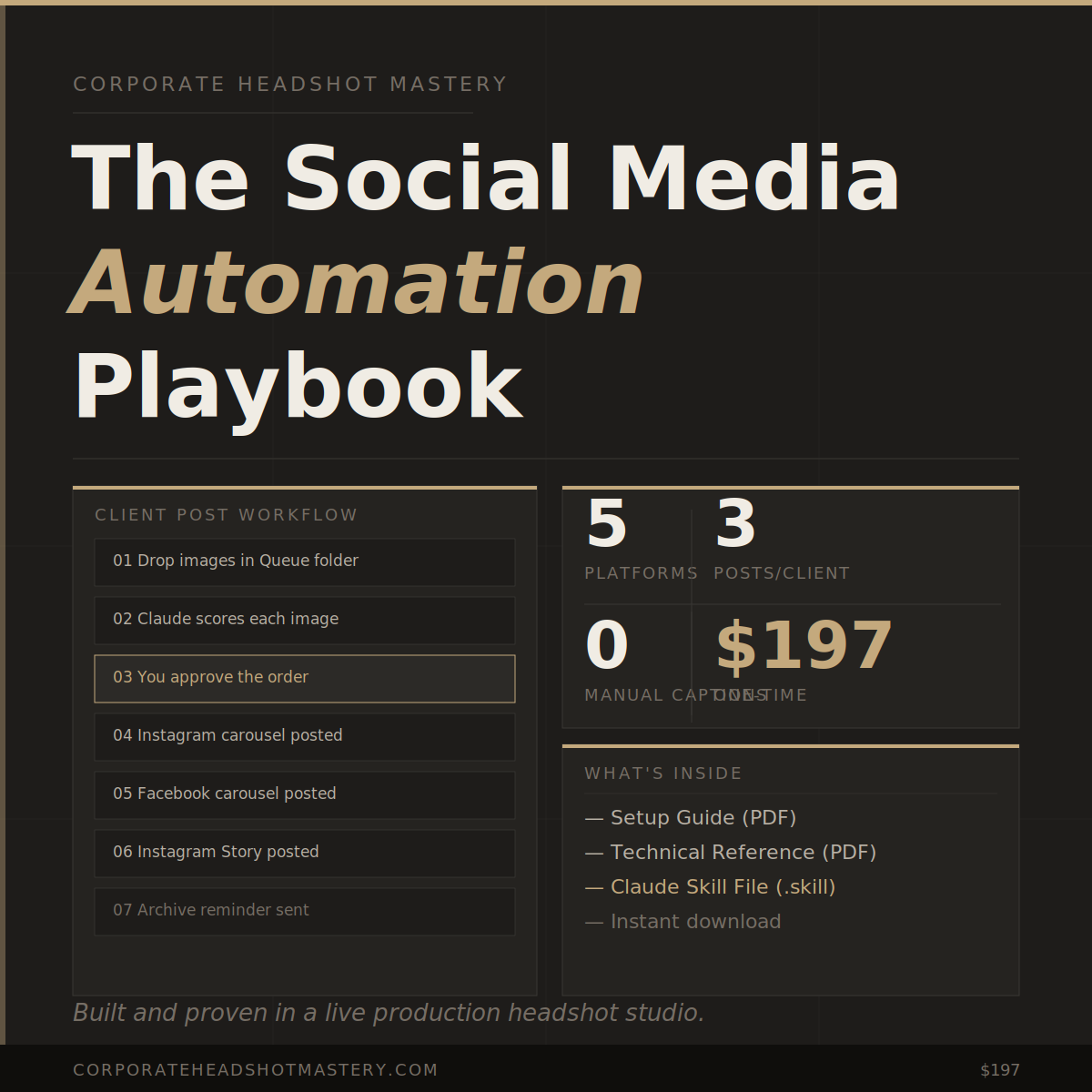
This playbook gives you a complete five-platform automation system. You drop client images in a Google Drive folder. Claude handles the scoring, captioning, and posting. Three posts per client - Instagram carousel, Facebook carousel, Instagram Story - without you touching any of it manually.
This is not a theoretical workflow. It was built in a working headshot studio and launched on day one. Every rule, every platform connection, every caption constraint came from real posting decisions made on real client work.
The system was stress-tested before it shipped - 24 issues caught and fixed before the first buyer received it. The onboarding interview configures everything automatically. The skill file runs it from a single plain-language command.
The result is a system that works out of the box - not a set of instructions you have to adapt and figure out yourself.
This product ($197) gives you the Setup Guide, Technical Reference, and the Claude skill file. Running the system requires paid subscriptions to three external tools that are NOT included in this purchase.
Blotato: Monthly subscription required for posting to Instagram and Facebook via API. Check current pricing at blotato.com.
Canva Pro: Paid plan required for the template export feature used in blog post promotion. Free plan does not support API exports.
Claude Pro: Paid subscription required to use MCP connectors that link Claude to Blotato, Google Drive, and Canva. Check current pricing at claude.ai/pricing.
-
DOC 1
Setup GuideComplete step-by-step walkthrough for photographers with no technical background. Connector setup, Google Drive folder structure, Canva template creation using free templates, client post workflow, blog post workflow, checklists, posting frequency guide, and full troubleshooting section.
-
DOC 2
Technical ReferenceAPI structures, visual impact scoring algorithm with full factor documentation, Blotato post field requirements, Canva editing transaction sequence, blog title extraction by platform, preference system architecture, and session log scope.
-
SKILL
Claude Skill FileInstall once in your Claude project. Auto-detects when setup is incomplete and runs the onboarding interview automatically. Stores all your studio configuration. Visual impact scoring, posting preferences, and auto-post mode all built in. Run the full posting workflow from a single plain-language command.
- —Active headshot clients to post
- —Desktop or laptop browser for setup — mobile app does not support connectors
- —Claude Pro account with Google Drive, Blotato, and Canva connectors active
- —Blotato paid account with Instagram Business and Facebook Page connected
- —Canva Pro account for blog post template exports
- —Google Drive account (free)
- —Instagram Business or Creator account — free to convert from Personal
- —Facebook Page linked to Instagram in Meta Business Suite
- —Any coding knowledge
- —A social media manager
- —Writing captions manually
- —Choosing which image leads by hand
- —Posting to each platform separately
Drop images in a folder. Tell Claude to post. Walk away. Three posts per client - Instagram carousel, Facebook carousel, Instagram Story - without writing a caption or choosing an image order manually. Built and proven in a live production headshot studio.